



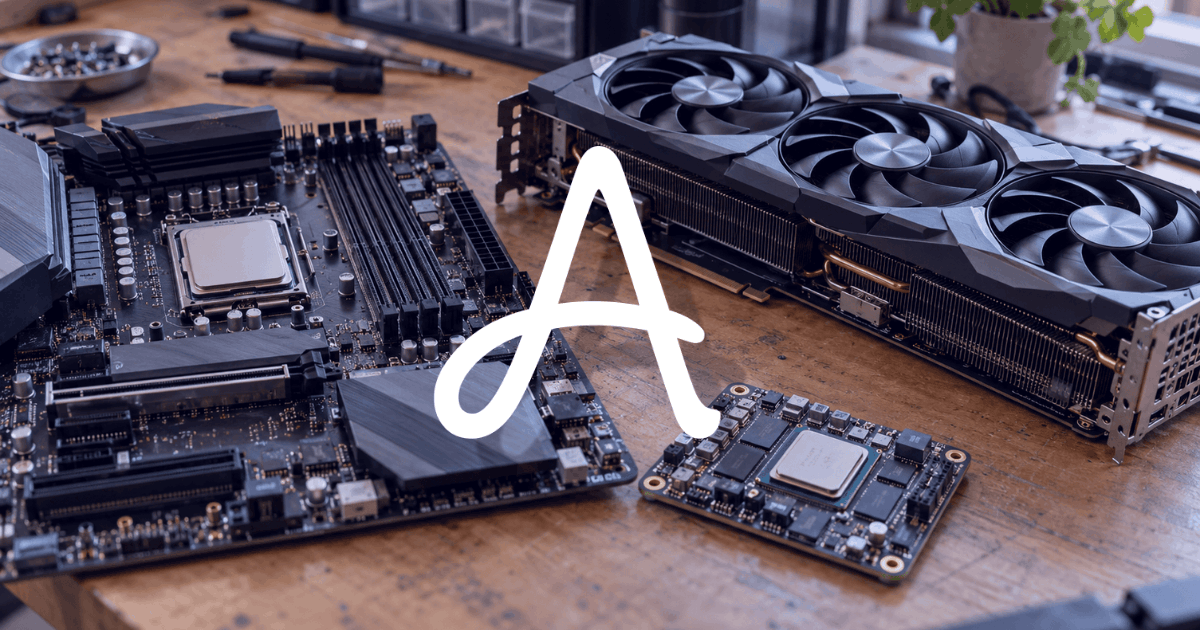
What is an NPU? An NPU, or neural processing unit, is a processor designed to accelerate the calculations used by neural networks. In a laptop or phone, its main appeal is running supported AI tasks efficiently on the device, often using less power than running the same task on a CPU or GPU.
An NPU does not replace either processor. A CPU handles general computing, a GPU handles graphics and large parallel workloads, and an NPU specialises in supported neural-network workloads. Which one works best depends on the model, software, memory and task.
What is an NPU, and what does it actually do?
Neural networks process data through layers of mathematical operations. Many involve multiplying and adding arrays of numbers. An NPU has hardware designed around this repeated work, including operations such as matrix multiplication and convolution.
In consumer devices, the NPU is commonly integrated into the same processor package or system-on-chip as other computing components. It is usually a capability your applications access through software, rather than a separate program you open.
Two terms help explain its role:
- Training: adjusting a model’s learned parameters using data.
- Inference: using an already trained model to produce a result, such as recognising speech or generating a reply.
The NPUs discussed here are those in personal computers and phones, where the emphasis is typically inference. An NPU badge does not mean a laptop can train a large language model from scratch.
CPU vs GPU vs NPU for AI workloads
| Processor | Main strength | Typical AI role | What to check |
|---|---|---|---|
| CPU: central processing unit | Flexible processing, application logic and coordination. | Preparing inputs, running smaller models and handling work other processors cannot execute. | Model size, available RAM and acceptable response time. |
| GPU: graphics processing unit | Processing many calculations in parallel. | Training and inference, including demanding image generation and language-model workloads. | Software support and usable GPU memory. |
| NPU: neural processing unit | Efficient execution of supported neural-network operations. | On-device features such as camera effects, audio processing and compatible local models. | Explicit support for the particular NPU, model and operating system. |
These roles can overlap. CPUs also perform parallel calculations, and GPUs can be energy-efficient at suitable workloads. An NPU is not automatically faster than every GPU, nor is a GPU automatically the best choice for a small background AI task.
For more on graphics hardware, see our explanation of what a GPU does.
How the processors work together in AI applications
Imagine an application that summarises a document. The CPU might open the file, extract its text and prepare the input. A supported GPU or NPU could execute the model’s calculations. The CPU then handles the interface and displays the answer.
This is an illustrative workflow, not a fixed assignment. The application and its runtime, the software that executes the model, determine where work goes. Some runtimes can split a model across processors, with unsupported operations falling back to the CPU when configured to do so.
That is why installing an AI application does not guarantee NPU use. Hardware support must exist throughout the chain: application, runtime, model format and driver. A model that runs successfully on a GPU may need conversion or a different implementation to run on an NPU.
Local AI: running AI on a local machine
If you are exploring “AI in local machine” setups, the key question is where inference happens. Local AI runs the model on your own device. Cloud AI sends the request to a remote service that runs the model elsewhere.
Possible local AI applications include:
- Transcribing an audio recording with a compatible speech model.
- Summarising notes or rewriting text with a local language model.
- Searching documents by meaning rather than exact keywords.
- Removing an image background or applying supported camera effects.
Each task needs a suitable model and application. None of these examples means every NPU supports every implementation.
A fully local workflow can operate offline once its required components are installed. It can also keep inputs off a cloud model service. However, a desktop interface alone proves neither: cloud models, online tools and synchronised files can still send data away from the device. Check the complete workflow.
For the cost and usage trade-offs, our guide to whether you need an AI subscription compares hosted services with local models.
Tokens, TOPS and memory: three different measurements
Tokens describe the text a language model processes
Language models break text into tokens. A token can represent a whole word, part of a word or punctuation, depending on the tokenizer. Tokens are not a fixed number of words, and different languages and models can split the same text differently.
When comparing local chat performance, distinguish time to first token, the wait before the reply starts, from generation speed, often reported in tokens per second after generation begins. A long document may take time to process even if the eventual reply streams quickly.
For example, generating 300 output tokens at a steady 30 tokens per second takes about 10 seconds after generation starts. This is illustrative arithmetic, not a hardware benchmark; loading the model and processing the prompt add time.
TOPS measures operations, not answer speed
TOPS means trillions of operations per second. It describes arithmetic throughput under specified conditions. It does not tell you how many tokens a chatbot will generate per second.
Check the numerical precision used for a TOPS figure, such as INT8, and whether it assumes sparsity, which lets suitable hardware skip certain calculations involving zeros. Also distinguish an NPU-only figure from a combined figure for several processors.
A higher advertised TOPS number is not enough to predict a faster response. Compare the same model and task under comparable settings, and measure the actual result.
Memory determines what fits
A language model needs memory for its parameters, working data and conversation context. The downloaded model’s file size is not the total memory requirement. Longer contexts can increase memory use, including the cache used to avoid repeating previous calculations.
Quantization stores model values at lower precision to reduce memory needs. It can help a model fit on a device, but support and output quality depend on the method and model. It does not guarantee faster execution on every processor.
Dedicated GPUs typically have their own video memory, while integrated designs often share system memory. Check the memory actually available to your chosen runtime rather than assuming all installed RAM is usable by every accelerator.
Which processor should you prioritise for your workload?
Start with the application you want to use, then check its supported hardware:
- Occasional local experiments: try a smaller compatible model on your existing CPU or GPU before purchasing hardware.
- Frequent local image generation or larger language models: investigate GPU support and memory capacity, then compare performance with your actual model.
- Supported AI features used for long periods on a laptop: an NPU may be useful when power consumption and battery life matter. Look for measurements of that feature on the device.
- Mostly cloud AI: a local NPU will not accelerate model calculations running on the provider’s servers.
Before buying, test or look for a test that reports the model, precision, prompt length, response time and power mode. For text generation, check answer quality as well as tokens per second. Faster output is useful only if the result meets your needs.
Frequently asked questions
Can I run local AI without an NPU?
Yes. Compatible applications can run models on a CPU or GPU. You still need sufficient memory and software support, and speed will vary with the model and hardware.
Why is my NPU idle while an AI application is running?
The application may use a CPU, GPU or cloud model instead. It may also lack support for your NPU or model format. Check the application’s acceleration settings and supported hardware before assuming the NPU is faulty.
Does a higher-TOPS NPU produce more accurate answers?
No. TOPS is a throughput measure, not an accuracy score. Answer quality depends on factors such as the model, inputs and numerical precision. Compare outputs on representative tasks.
Can an NPU replace a graphics card for gaming?
No. An NPU is designed for neural-network operations, while a GPU handles the graphics rendering pipeline. A game may use AI features, but that does not make an NPU a general replacement for its graphics hardware.
